A polished session platform for AI, shell, SSH, files, and handoff.
Jump OS is designed around session continuity. The goal is not more isolated features. The goal is one product where users can start a conversation, attach tooling, switch clients, and keep moving without confusion.
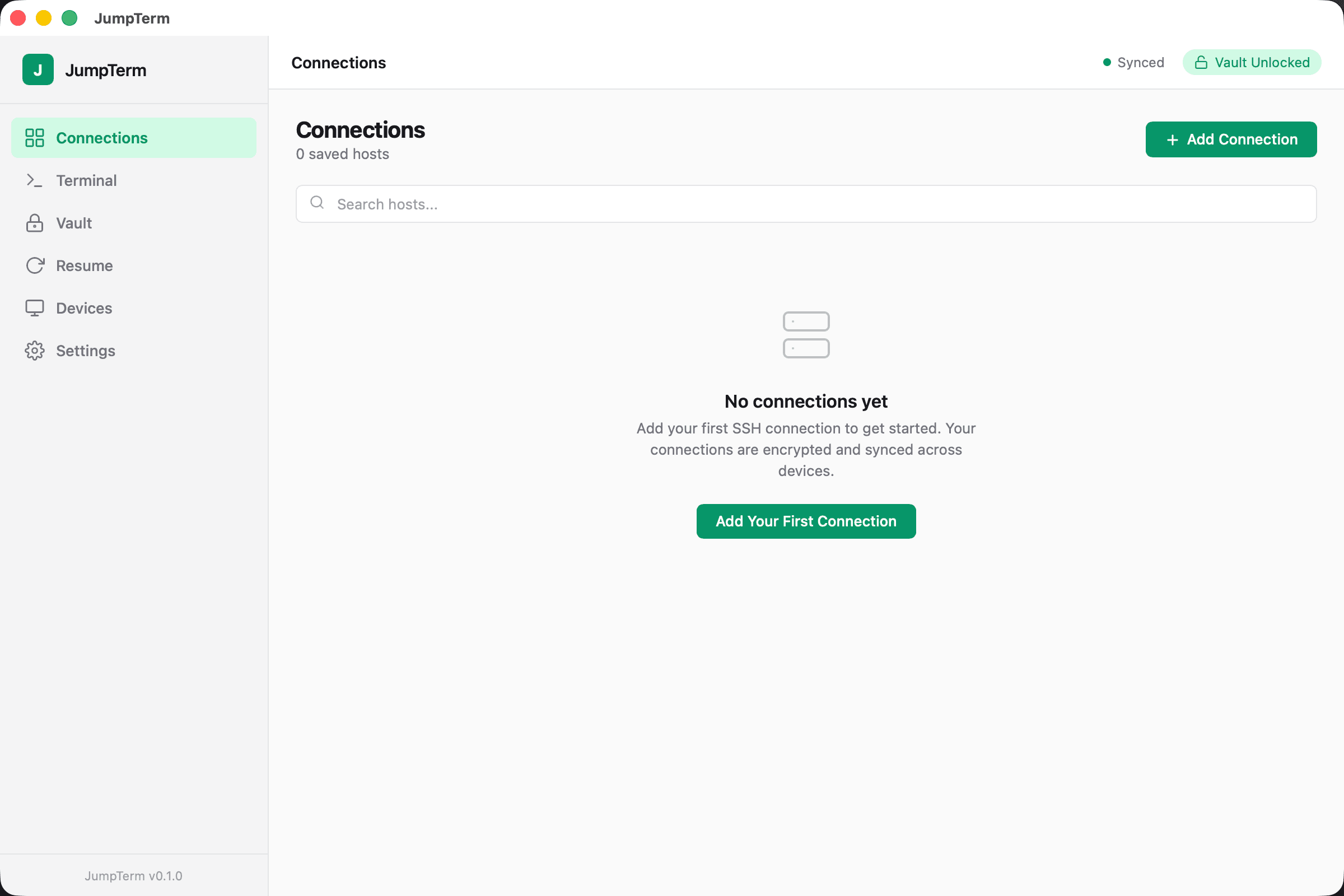
Session Hub
A unified rail for Claude, Codex, SSH-linked, and handoff-ready sessions so operators can scan and switch with less friction.
Conversation Timeline
Make the selected session the focal object: conversation first, approvals inline, tool state visible, shell nearby.
Attached Tools Drawer
Keep shell, files, previews, and launch actions attached to the active session instead of permanently crowding the layout.
Conversation Handoff
Copy and load Claude or Codex handoff payloads so a session can continue from another client without context loss.
Everything on the platform should support one simple mental model: select a session and continue.
Manage Claude and Codex sessions as first-class work objects with a session hub, conversation canvas, and attached tools.
- Multiple AI sessions with rename, pin, resume, and end controls
- Conversation-first workflow instead of terminal-first chrome
- Inline handoff load and copy between surfaces
- Session attention state such as live, waiting, handoff, and pinned
Use remote SSH, local terminal, file IDE, previews, and transfers as capabilities of the active session.
- SSH quick connect and shell attach from the same workspace
- File IDE, transfers, forwarding, and snippets without leaving the session
- Local and remote terminal flows in one operational model
- Session-linked tools instead of disconnected utility panes
Move between macOS, web, and iPhone without rebuilding context by hand.
- Resume and reattach sessions across devices
- Conversation handoff payloads for Claude and Codex continuity
- Shared session identity across clients and surfaces
- One session hub for active, waiting, and handoff-ready work
Security, approvals, and device control are built into the platform instead of bolted on later.
- Encrypted vault and device authorization model
- Approval workflows for session actions and tool operations
- Session lifecycle visibility and attached runtime state
- Mac app Touch ID support and persistent sign-in controls
Desktop, web, and mobile all point at the same operating model.
The mac app is the primary workspace. The web app provides continuity and access from anywhere. Mobile is for true session continuation, not a stripped-down afterthought.

If your work spans Claude, Codex, shells, and servers, this is the platform layer.
Join the beta to use the current platform, shape the next phase of the product, and move to a session-first operating model instead of juggling disconnected tools.